
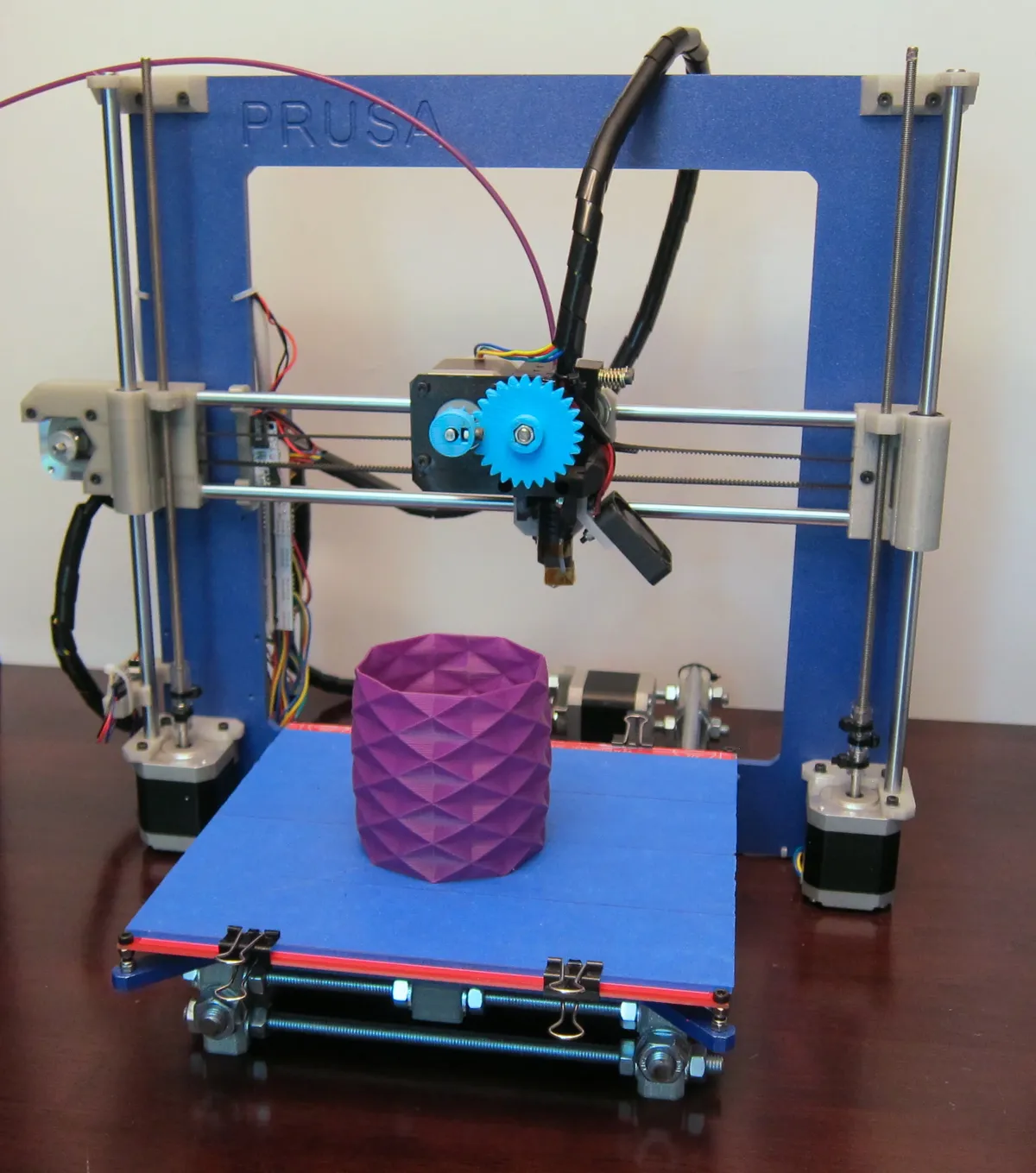
Introduction
Getting into 3D printing in 2025 has never been easier. Modern printers offer excellent quality at affordable prices, with features that eliminate most beginner frustrations.
What Beginners Need
- Auto bed leveling (no manual calibration)
- Enclosed or easy-to-enclose design
- Good documentation and community
- Reliable out-of-box experience
- Budget-friendly with room to grow
Top 5 Beginner 3D Printers 2025
| Rank | Printer | Price | Best For |
|---|---|---|---|
| 1 | Bambu Lab A1 Mini | ~€300 | Best overall for beginners |
| 2 | Creality Ender 3 V3 SE | ~€200 | Best budget option |
| 3 | Prusa Mini+ | ~€400 | Best reliability & support |
| 4 | Creality K1 | ~€400 | Best fast printer under €500 |
| 5 | Anycubic Kobra 2 | ~€250 | Best value speed printer |
Understanding Filament
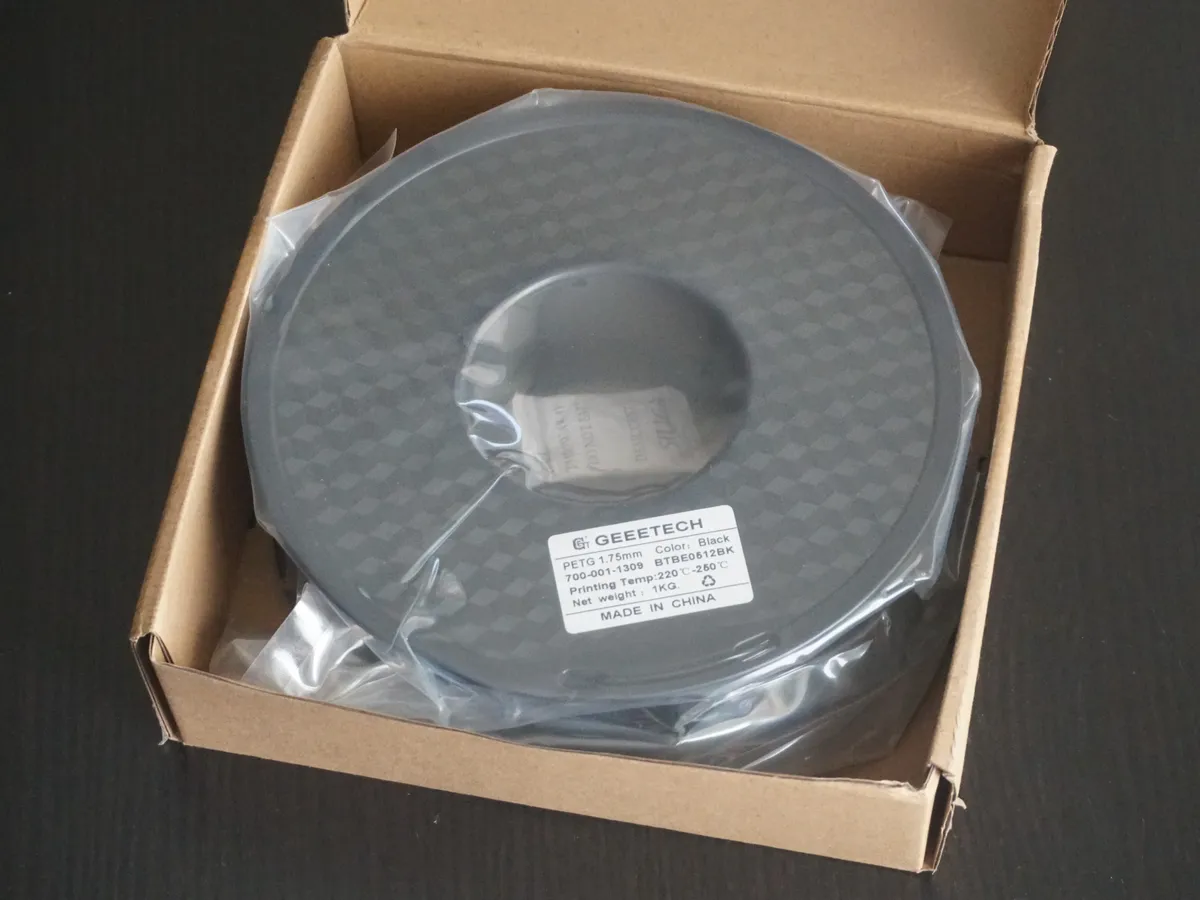
Filament is the material your printer uses. For beginners, start with PLA - it's the easiest to print and most forgiving.
Filament Types for Beginners
PLA (Recommended First Material)
Prints at 190-220°C, no heated bed required, biodegradable, low warping
PETG (Second Material to Try)
Stronger than PLA, slightly harder to print, food-safe options available
ABS (Advanced)
Requires enclosure, strong fumes, but very durable and heat resistant
Your First Print
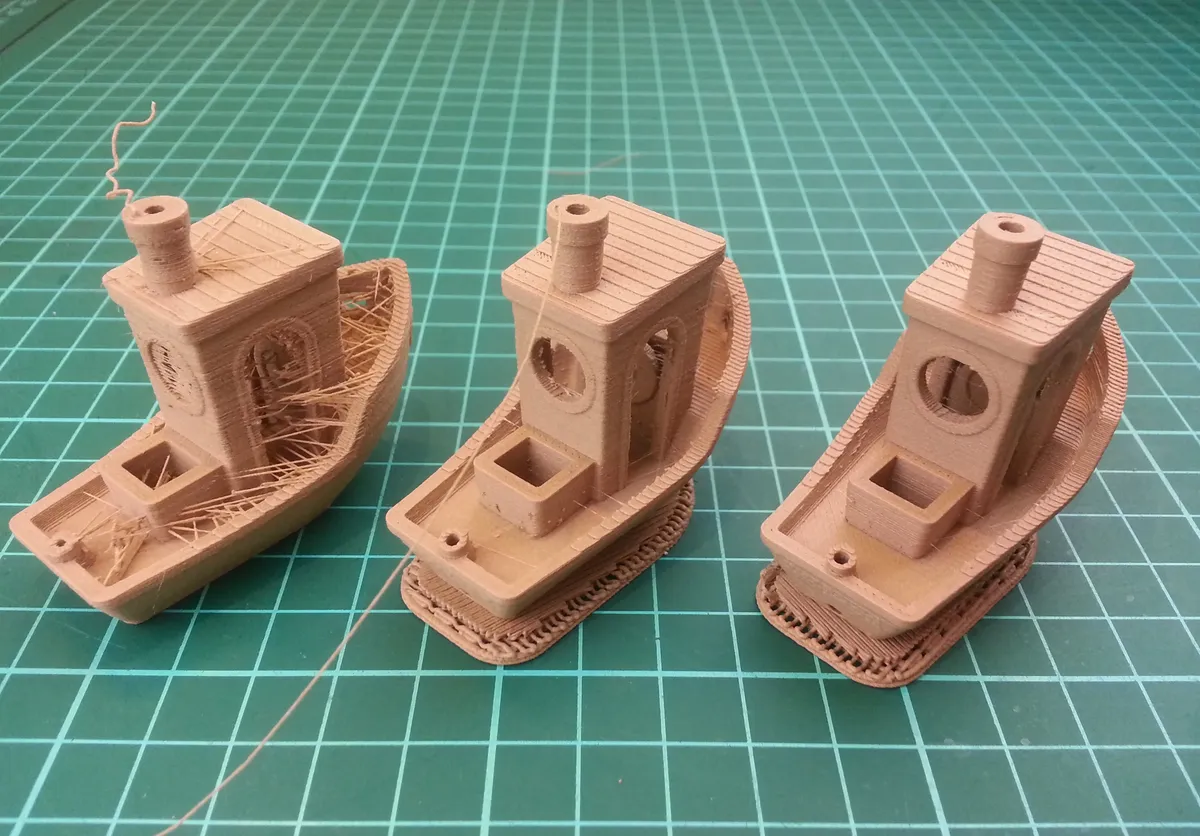
The 3DBenchy is the "Hello World" of 3D printing. This small boat tests overhangs, bridging, and detail. Use it to calibrate your printer!
First Print Checklist
- 1. Level the bed (or let auto-leveling do it)
- 2. Use the included filament sample first
- 3. Start with a small test print like a cube
- 4. Print the 3DBenchy to test quality
- 5. Don't touch the printer mid-print!
How 3D Printing Works
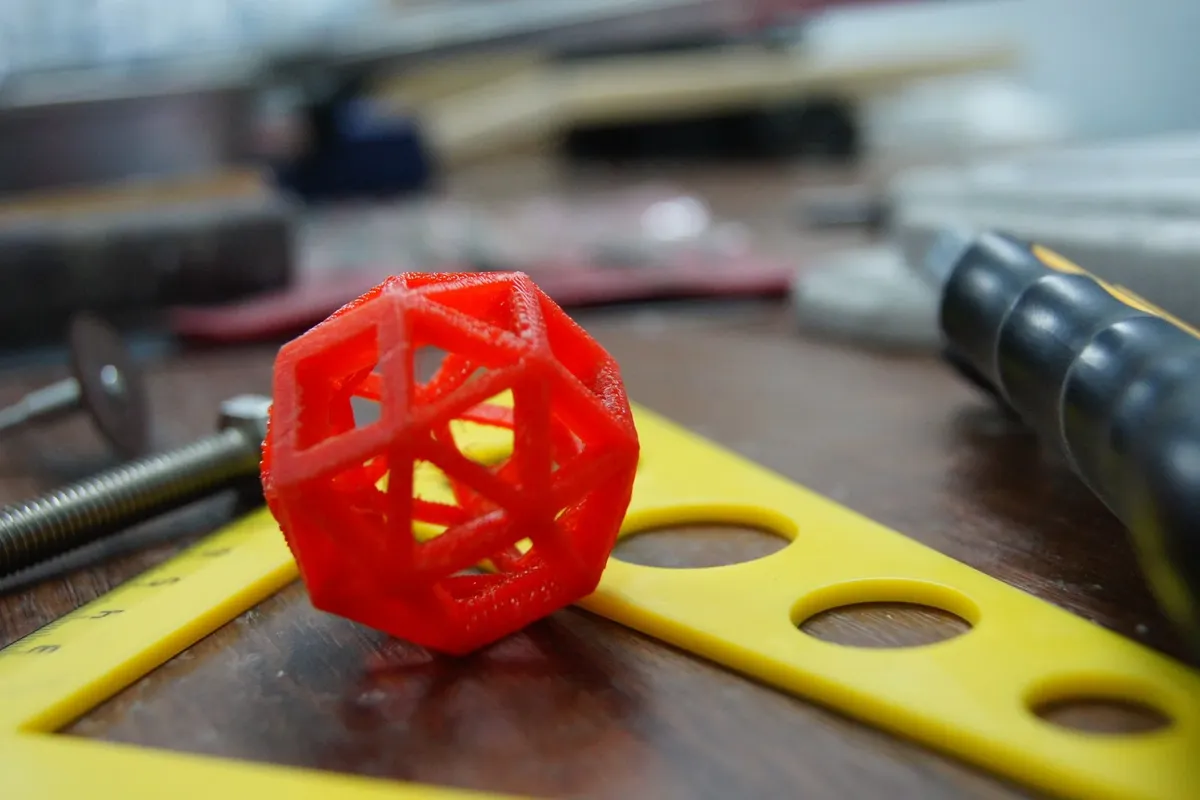
FDM (Fused Deposition Modeling) is how most beginner printers work:
- Slicing: Software converts 3D model to printer instructions
- Heating: Filament is melted in the hotend (~200°C)
- Extrusion: Molten plastic is pushed through a nozzle
- Building: Layers stack on top of each other
- Cooling: Each layer solidifies before the next
What Else Do You Need?
Essential
- 3D Printer
- PLA Filament (1-2 spools)
- Scraper/spatula
- Flush cutters
Nice to Have
- Multiple filament colors
- Digital calipers
- Spare nozzles
- Filament dry box
Common Beginner Mistakes
Skipping bed leveling
Even with auto-level, you need proper Z-offset. First layer is everything!
Printing too fast initially
Start with default speeds. Increase only after successful prints.
Wet filament
PLA absorbs moisture. Store in dry boxes with desiccant.
After Your First Month
Once comfortable with basic printing:
- Try different filament colors and brands
- Learn Cura or PrusaSlicer advanced settings
- Experiment with supports and infill
- Design your own models in TinkerCAD or Fusion 360
- Try PETG for stronger functional prints
Start Your 3D Printing Journey
Browse our 3D printer collection for beginner-friendly options.
For filament and accessories, check our 3D Printing Materials Guide.
Frequently Asked Questions
What is the best 3D printer for a complete beginner in 2025?
The Bambu Lab P1S offers the best overall beginner experience with automatic calibration, high reliability, and excellent print quality out of the box. For budget-conscious beginners, the Creality Ender 3 V3 SE at €229 provides modern features including auto-leveling at an entry-level price. If you're interested in miniatures or detailed models, the Elegoo Mars 4 Ultra is the best beginner resin printer.
How much should I budget for my first 3D printer setup?
Budget €300-500 for a complete beginner setup including the printer, essential tools, and materials. This includes €200-400 for the printer itself, €50-80 for tools (spatulas, cutters, files), and €50-100 for quality filament or resin. Premium options like the Bambu Lab P1S (€699) or Prusa MK4 (€799) cost more initially but include features that save time and reduce frustration.
Is 3D printing difficult to learn?
Modern 3D printers are significantly easier to learn than older models. With auto-leveling, pre-assembled designs, and intuitive software, most beginners achieve their first successful print within hours. Expect a learning curve of 2-4 weeks to become comfortable with basic operations, and 2-3 months to master advanced techniques. Active online communities provide quick help when issues arise.
Should beginners choose FDM or resin 3D printing?
FDM printing is generally better for beginners due to safety, lower material costs, larger build volumes, and simpler workflow. Choose FDM if you want to make functional parts, prototypes, or larger objects. Choose resin printing if your primary interest is miniatures, jewelry, or highly detailed models, and you have a dedicated workspace with ventilation. Resin requires more safety equipment and careful handling.
How long does it take to 3D print something?
Print times vary dramatically based on size, detail, and speed settings. A small keychain might take 30-60 minutes, while a large model could run 12-24 hours. Typical beginner projects (phone stands, organizers, small decorative items) print in 2-6 hours. Resin prints are often faster for small detailed objects due to layer-based curing, with miniatures completing in 1-3 hours.