
Introduction
Building a robot arm is one of the most rewarding projects in robotics. You'll learn servo control, kinematics, mechanical design, and programming - all skills that apply to countless other projects.
What You'll Build
- 4-6 DOF (Degrees of Freedom) robot arm
- Arduino or Raspberry Pi controlled
- Functional gripper for picking objects
- Optional: Inverse kinematics for smooth motion
Required Components
| Component | Quantity | Purpose | Est. Cost |
|---|---|---|---|
| MG996R Servo | 4-5 | Main joints (high torque) | €20-30 |
| SG90 Micro Servo | 1-2 | Gripper, wrist rotation | €5-8 |
| Arduino Uno/Mega | 1 | Controller | €20-35 |
| PCA9685 PWM Driver | 1 | Control 16 servos via I2C | €8-12 |
| 5V 10A Power Supply | 1 | Power all servos | €15-20 |
| 3D Printed/Acrylic Parts | 1 set | Arm structure | €20-50 |
Understanding Servos

Servo motors provide position control. Send them a pulse width and they hold that angle. Key specs to consider:
- Torque (kg·cm): Higher = can lift heavier loads. MG996R has ~10 kg·cm
- Speed (sec/60°): How fast the servo rotates. ~0.17s is typical
- Rotation range: Usually 0-180°, some go 0-270°
- Voltage: Most use 4.8-6V, match your power supply
Power Warning
Never power servos from Arduino 5V pin! Use external power supply. Servos can draw 1-2A each under load.
The Gripper
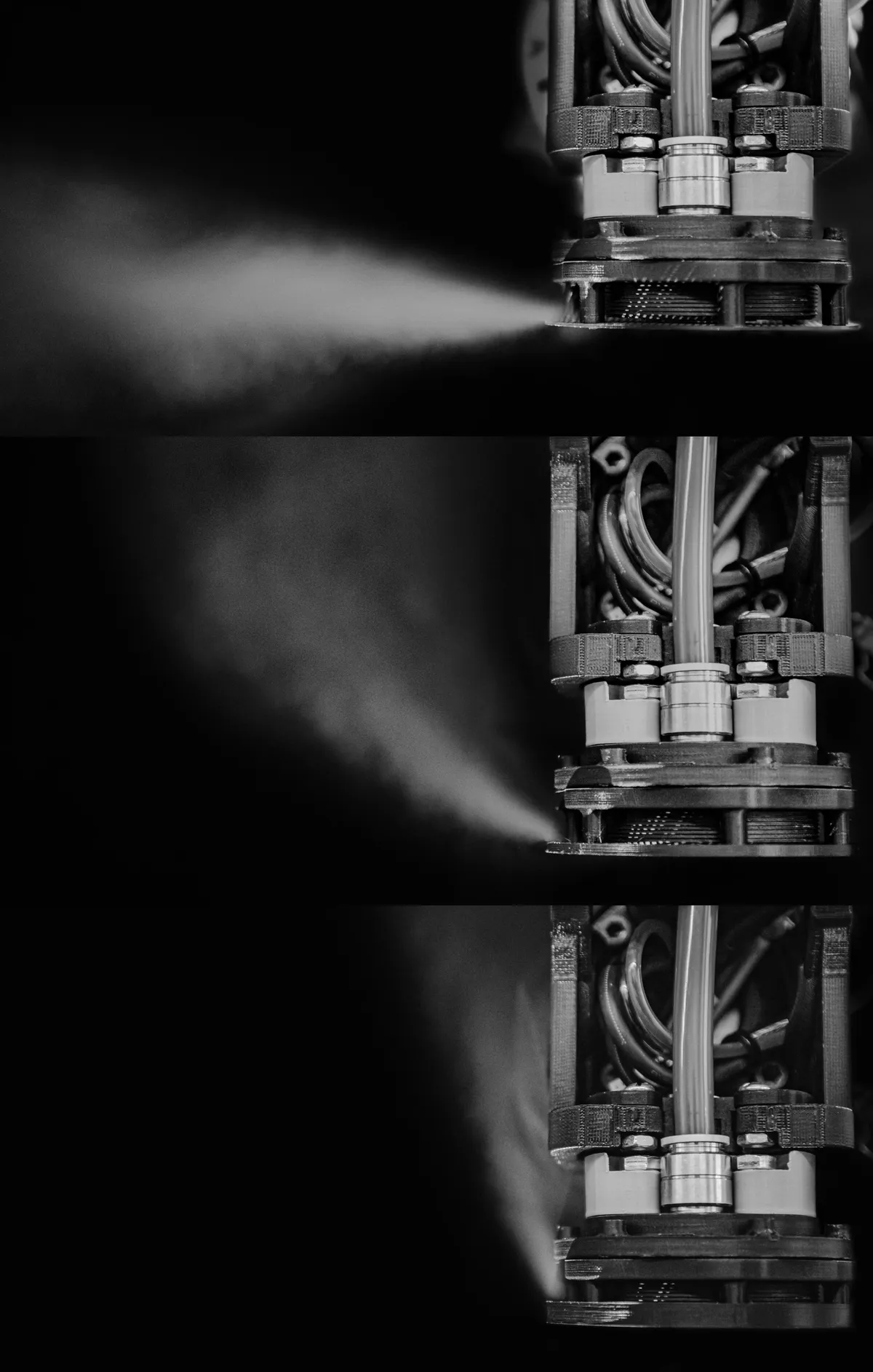
The gripper (or end effector) is what your arm uses to interact with objects. Common designs:
Parallel Gripper
Two fingers move in parallel. Simple and effective for regular shapes.
Claw Gripper
Fingers pivot at a point. Better grip on irregular objects.
Vacuum Gripper
Suction cup with air pump. Ideal for flat, smooth objects.
Robot Arm Kinematics
Forward Kinematics
Given joint angles → calculate end position
Easy: just apply rotation matrices
Inverse Kinematics
Given target position → calculate joint angles
Hard: may have multiple solutions or none
Arduino Control Code
#include <Wire.h>
#include <Adafruit_PWMServoDriver.h>

Adafruit_PWMServoDriver pwm = Adafruit_PWMServoDriver();

// Servo pulse limits (calibrate for your servos)
#define SERVOMIN 150 // ~0 degrees
#define SERVOMAX 600 // ~180 degrees

// Servo channels
#define BASE 0
#define SHOULDER 1
#define ELBOW 2
#define WRIST 3
#define GRIPPER 4

void setup() {
 pwm.begin();
 pwm.setPWMFreq(50); // Servos use 50Hz

 // Move to home position
 setServo(BASE, 90);
 setServo(SHOULDER, 90);
 setServo(ELBOW, 90);
 setServo(WRIST, 90);
 setServo(GRIPPER, 30); // Open
}

void setServo(uint8_t channel, int angle) {
 int pulse = map(angle, 0, 180, SERVOMIN, SERVOMAX);
 pwm.setPWM(channel, 0, pulse);
}

void loop() {
 // Pick and place demo
 setServo(GRIPPER, 30); // Open gripper
 delay(500);

 setServo(SHOULDER, 45); // Lower arm
 delay(500);

 setServo(GRIPPER, 80); // Close gripper
 delay(500);

 setServo(SHOULDER, 90); // Raise arm
 delay(500);

 setServo(BASE, 180); // Rotate base
 delay(500);

 setServo(GRIPPER, 30); // Release
 delay(500);

 setServo(BASE, 90); // Return
 delay(1000);
}
Building Tips
Start simple
Build 3 DOF first (base, shoulder, elbow). Add wrist and gripper later.
Balance the arm
Keep heavy components (servos) close to the base. This reduces torque requirements.
Calibrate carefully
Find the actual pulse values for 0° and 180° on each servo. They vary!
Get the Parts
Browse our robotics collection for servos, controllers, and kits.
For motor basics, see our Arduino Motor Control Tutorial.
Frequently Asked Questions
What is the minimum number of servos needed to build a functional robot arm?
A basic functional robot arm requires at least 3 servos for 3 degrees of freedom: base rotation, shoulder elevation, and elbow movement. Adding a fourth servo for a gripper or end-effector makes it more practical. Most educational and hobby robot arms use 4-6 servos to provide adequate dexterity for common tasks like pick-and-place operations.
How much does it cost to build a DIY robot arm?
A basic 3-4 DOF robot arm can be built for 150-300 EUR using hobby-grade components including Arduino controller, standard servos, 3D printed or laser-cut parts, and basic electronics. Mid-range projects with metal construction and higher-quality servos cost 500-1000 EUR. Professional-grade arms with precision encoders, industrial servos, and advanced controllers can exceed 2000-5000 EUR.
Do I need to understand complex mathematics to build a robot arm?
Basic robot arms can be built and controlled with minimal mathematics using simple joint-by-joint control. However, for precise positioning and advanced features like inverse kinematics, understanding trigonometry and coordinate transformations is helpful. Many libraries and frameworks provide pre-built kinematics solvers that handle the complex math, allowing you to focus on application development.
What programming languages can I use to control a robot arm?
Arduino (C/C++) is the most popular choice for hobby robot arms due to extensive library support and easy servo control. Python with Raspberry Pi offers powerful capabilities for computer vision and advanced algorithms. Other options include C++ with ROS (Robot Operating System) for professional applications, JavaScript for web-based interfaces, and visual programming tools like Scratch or Blockly for educational purposes.
How accurate can a DIY robot arm be?
Hobby-grade robot arms using standard servos typically achieve positioning accuracy of ±2-5mm at the end-effector. With careful calibration, quality bearings, and rigid construction, this can improve to ±1-2mm. Adding encoder feedback and closed-loop control can achieve sub-millimeter accuracy. Industrial robot arms with precision components achieve accuracies of ±0.1mm or better, but at significantly higher cost.