
Introduction
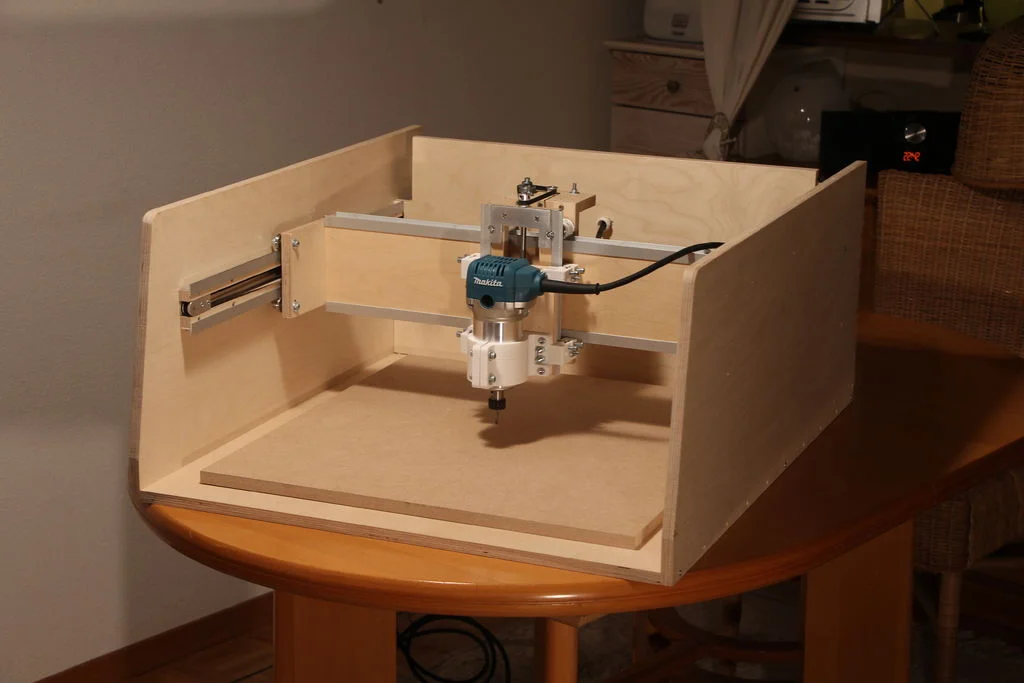
CNC (Computer Numerical Control) routers are machines that use computer-controlled movement to cut, carve, and shape materials. Once reserved for industrial shops, desktop CNC machines are now accessible to hobbyists and small businesses.
What Can a CNC Router Do?
- 🪵 Cut wood, plywood, MDF
- Mill aluminum and soft metals
- Engrave signs and artwork
- Create PCBs and circuits
- Produce precise parts for projects
Types of CNC Routers
| Type | Work Area | Price Range | Best For |
|---|---|---|---|
| Desktop Mini | 100×100mm | €150-300 | PCBs, small engraving |
| Hobby 3018 | 300×180mm | €200-400 | Learning, small projects |
| Mid-size | 600×400mm | €800-2000 | Signs, furniture parts |
| Full-size | 1200×1200mm+ | €3000+ | Professional production |
The Milling Process
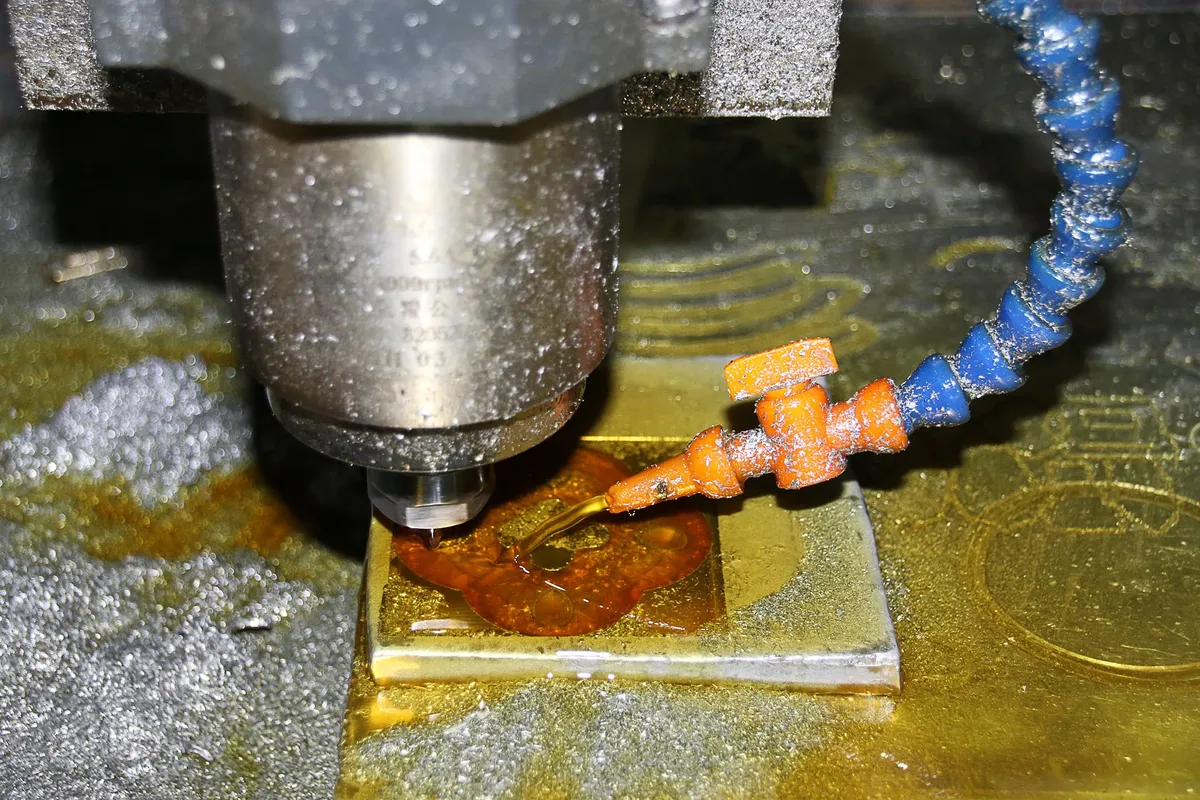
CNC routers work by moving a spinning cutter (bit) through material along X, Y, and Z axes. Key concepts:
- Toolpaths: The path the cutter follows, generated from your design
- Feeds & Speeds: How fast the bit moves (feed) and spins (speed/RPM)
- Stepdown: How deep each cutting pass goes
- Stepover: How much each pass overlaps for pocketing
The Spindle
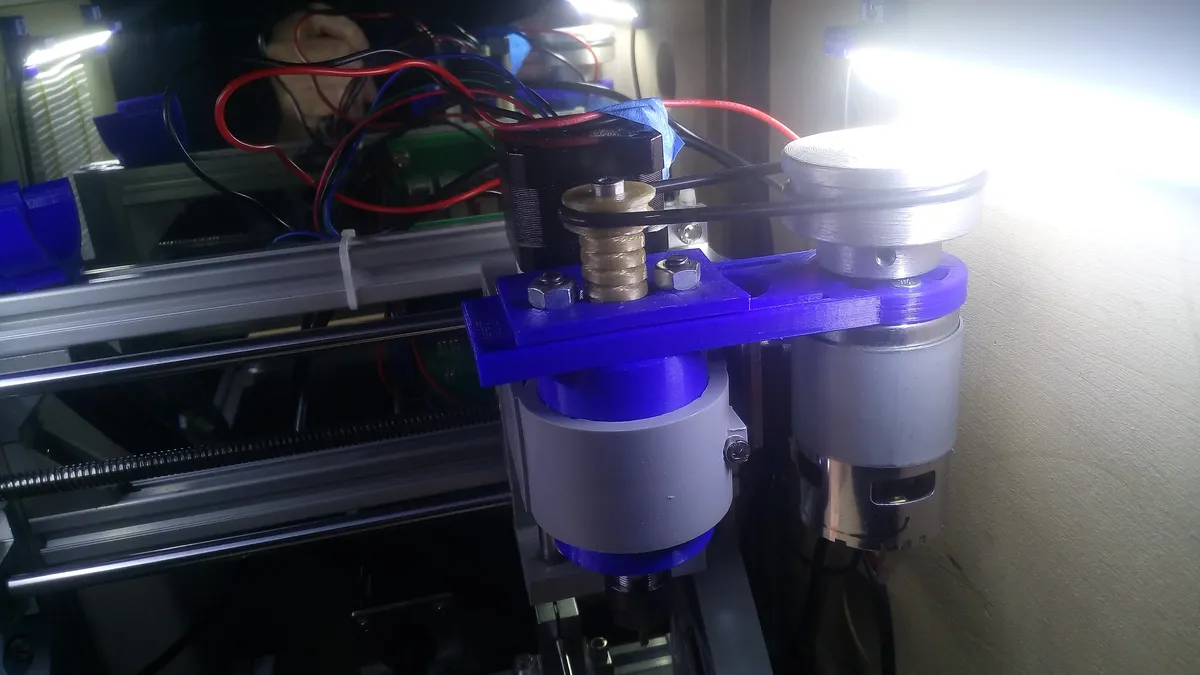
The spindle is the motor that spins the cutting bit. Hobby machines typically use:
775 DC Motor (Budget)
~12,000 RPM, good for soft materials and PCBs. Inexpensive but noisy.
500W Spindle (Recommended)
~12,000 RPM, more power, quieter, ER11 collet for standard bits.
1.5kW VFD Spindle (Pro)
Variable speed 0-24,000 RPM, water-cooled, for production work.
GRBL Controller
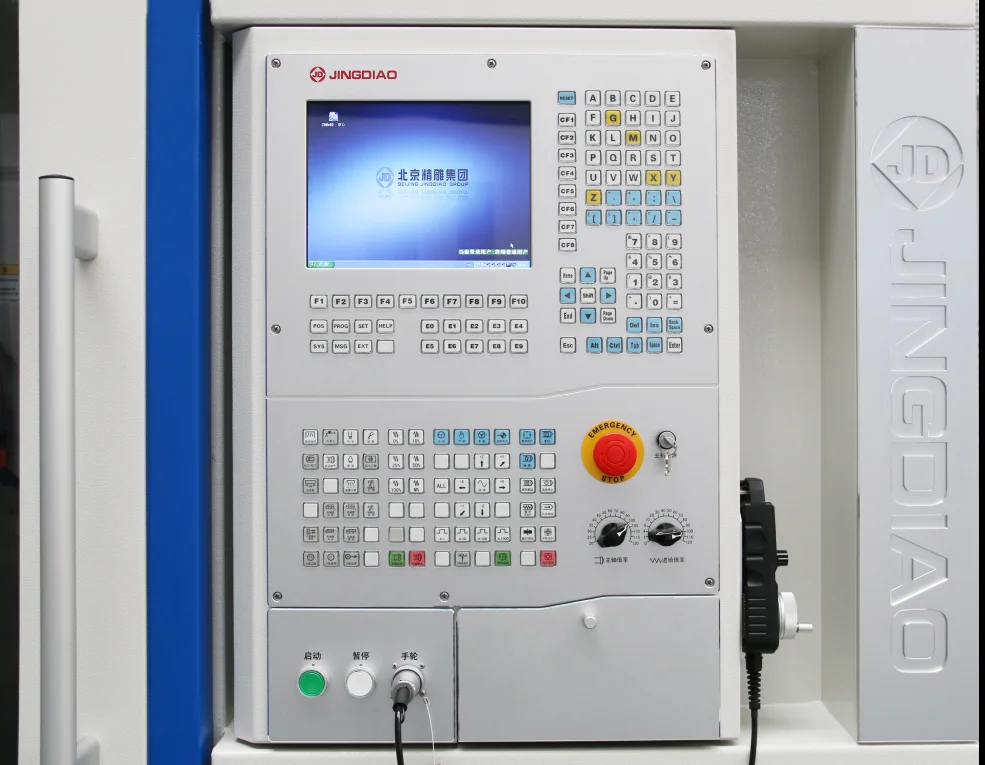
GRBL is the most popular open-source CNC controller firmware. It runs on Arduino and interprets G-code commands to control stepper motors.
Common G-codes
G0 X10 Y10 ; Rapid move to X10, Y10
G1 X50 Y50 F500 ; Linear cut to X50, Y50 at 500mm/min
G2 X20 Y20 I5 J0 ; Clockwise arc
G3 X20 Y20 I5 J0 ; Counter-clockwise arc
M3 S10000 ; Spindle ON at 10000 RPM
M5 ; Spindle OFF
G28 ; Home all axes
CNC Workflow
Design
Create in CAD (Fusion 360, Inkscape)
CAM
Generate toolpaths (Fusion CAM, Carbide Create)
Send
Stream G-code (Candle, UGS, bCNC)
Cut
Machine executes the job
Safety Tips
Always wear safety glasses
Chips and broken bits can fly. Eye protection is mandatory.
Use hearing protection
Spindles are loud. Protect your hearing during long jobs.
Dust extraction
Wood dust is harmful. Use a dust shoe or shop vac.
Your First CNC Project
Start Simple
- 1. Draw a simple shape (square, circle) in Inkscape
- 2. Export as SVG or DXF
- 3. Import into CAM software
- 4. Set shallow depth (2mm) in soft wood
- 5. Generate toolpath and run air-cut first!
Get Started with CNC
Browse our CNC and laser collection for machines and accessories.
For controller setup, see our GRBL Controller Setup Guide.
Frequently Asked Questions
What is the difference between a CNC router and a 3D printer?
CNC routers are subtractive manufacturing tools that remove material from a solid block to create parts, while 3D printers are additive manufacturing tools that build parts layer by layer from plastic filament or resin. CNC routers work with wood, plastics, metals, and foam, producing parts with smooth finishes and precise dimensions. 3D printers excel at complex geometries and internal features but are limited to specific plastics and slower production speeds. Many makers benefit from having both technologies.
How long does it take to learn CNC routing?
Basic CNC operations can be learned in 1-2 weeks of practice, including simple 2D designs and cutting. Becoming proficient with CAD/CAM software and optimizing cutting parameters typically takes 2-3 months of regular use. Advanced techniques like 3D carving, aluminum machining, and custom toolpath creation develop over 6-12 months. The learning curve is gradual, and you can create useful projects from day one while continuously expanding your capabilities.
Can a desktop CNC router cut metal?
Yes, quality desktop CNC routers can cut soft metals like aluminum, brass, and copper with proper technique. Requirements include: rigid machine construction, appropriate cutting bits (2-3 flute carbide end mills), cutting fluid for cooling and lubrication, conservative cutting parameters (slow feed rates, shallow depth of cut), and secure workholding. Steel cutting requires industrial-grade machines. Most beginners start with wood and plastics before attempting metal cutting.
What software do I need for CNC routing, and is it expensive?
CNC routing requires three software types: CAD for design, CAM for toolpath generation, and controller software for machine operation. Excellent free options exist: Fusion 360 (free for hobbyists, includes CAD and CAM), OnShape (free web-based CAD), Carbide Create (free CAM software), and Universal G-code Sender (free GRBL controller). Professional options like Vectric VCarve (300-700 EUR) offer advanced features but aren't necessary for beginners. You can start CNC routing with zero software cost.
How much space do I need for a CNC router?
Space requirements depend on machine size. A compact desktop CNC router (300x300mm work area) needs approximately 1m x 1m of workbench space, plus additional area for computer, dust collection, and material storage. Mid-size routers (1000x1000mm) require dedicated shop space of at least 2.5m x 2.5m. Consider access from all sides for loading materials, dust collection equipment placement, and safe operation. Many home hobbyists successfully operate desktop CNC routers in garages, basements, or dedicated workshop corners.