
Laser engraving and cutting has revolutionized custom fabrication, enabling precise material processing for hobbyists and industrial applications alike. This comprehensive guide covers material settings, safety considerations, and optimization techniques for CO2 and diode lasers.
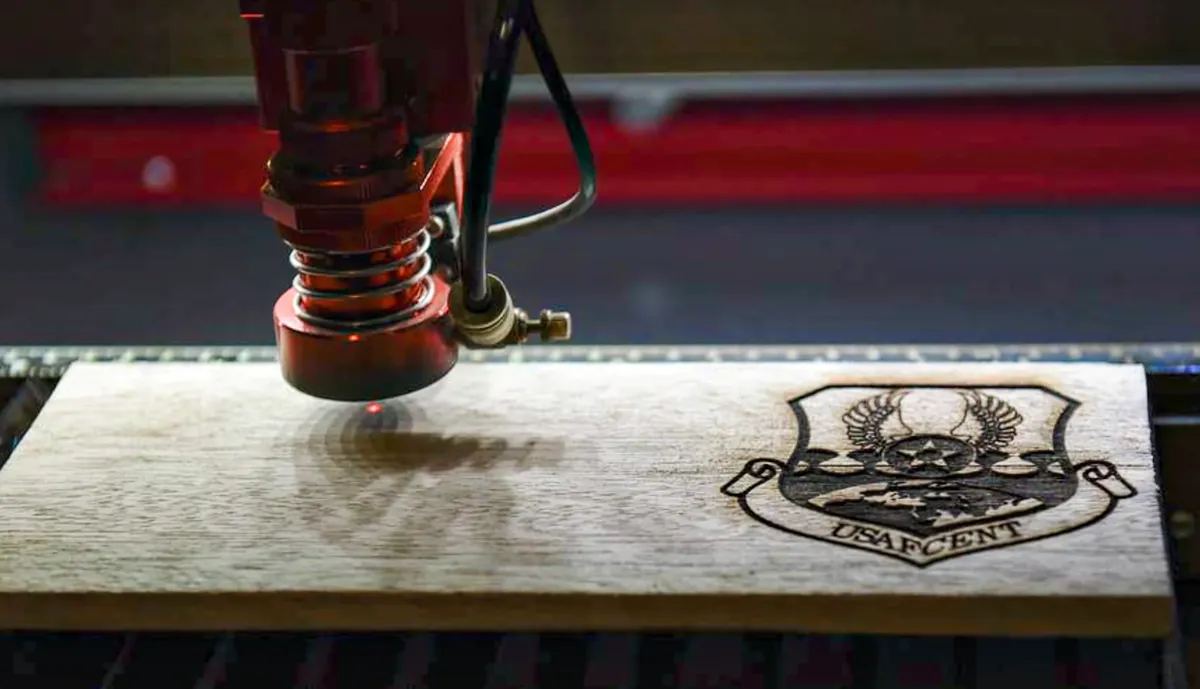
Types of Laser Engravers
Understanding laser types is essential for selecting appropriate materials and settings:
| Laser Type | Wavelength | Power Range | Best Materials |
|---|---|---|---|
| CO2 Laser | 10.6 μm | 40-150W | Wood, Acrylic, Leather, Glass |
| Diode Laser | 445-450 nm | 5-20W | Wood, Cardboard, Dark Materials |
| Fiber Laser | 1.06 μm | 20-100W | Metals, Plastics with Marking Spray |
| UV Laser | 355 nm | 3-15W | PCB, Precise Marking, Sensitive Materials |
Wood and Wood Products
Wood is the most popular laser engraving material due to its excellent contrast and natural beauty:
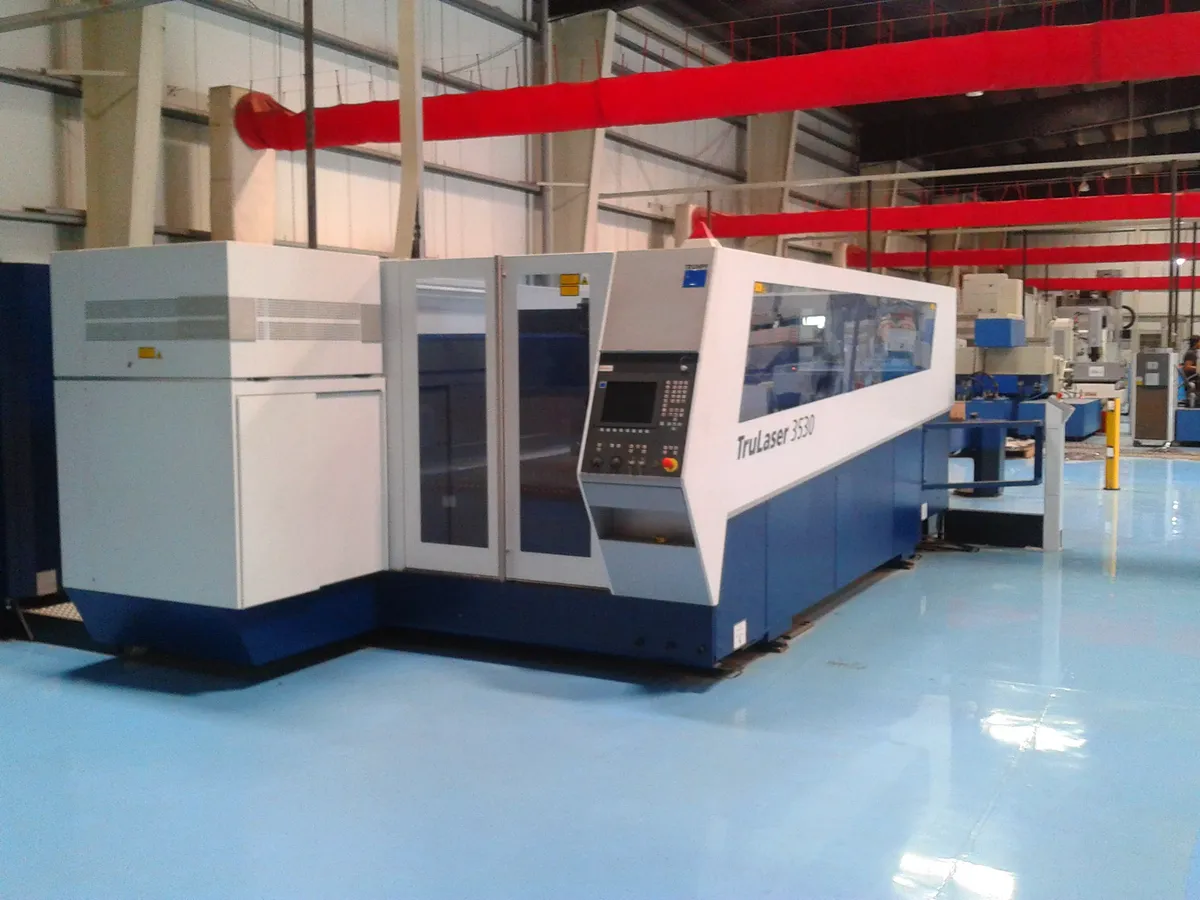
Wood Density Guide
Lower density woods engrave faster with better contrast:
- High contrast: Maple, Cherry, Birch Plywood
- Medium contrast: Oak, Walnut, Mahogany
- Low contrast: Pine, Balsa, Cedar
Recommended Wood Settings (40W CO2)
| Wood Type | Engrave Speed | Engrave Power | Cut Speed | Cut Power |
|---|---|---|---|---|
| 3mm Plywood | 300 mm/s | 15% | 8 mm/s | 80% |
| 6mm MDF | 250 mm/s | 20% | 5 mm/s | 100% |
| Solid Maple | 200 mm/s | 25% | 3 mm/s | 100% |
Acrylic and Plastics
Acrylic produces beautiful edge-lit results and clean cuts. Cast acrylic provides better engraving contrast than extruded:
Cast Acrylic
- Excellent frosted engrave finish
- Clean polished edges when cut
- Higher cost, better results
- Best for edge-lit signs
Extruded Acrylic
- Clear engraving (less contrast)
- Good for cutting only
- Lower cost option
- Flame-polished edges possible
Dangerous Plastics - Never Laser!
- PVC/Vinyl: Releases chlorine gas (toxic, corrosive)
- ABS: Produces hydrogen cyanide fumes
- Polycarbonate: Poor results, discolors badly
- HDPE: Melts, catches fire easily
Leather and Fabric
Natural materials require careful power control to prevent burning through:
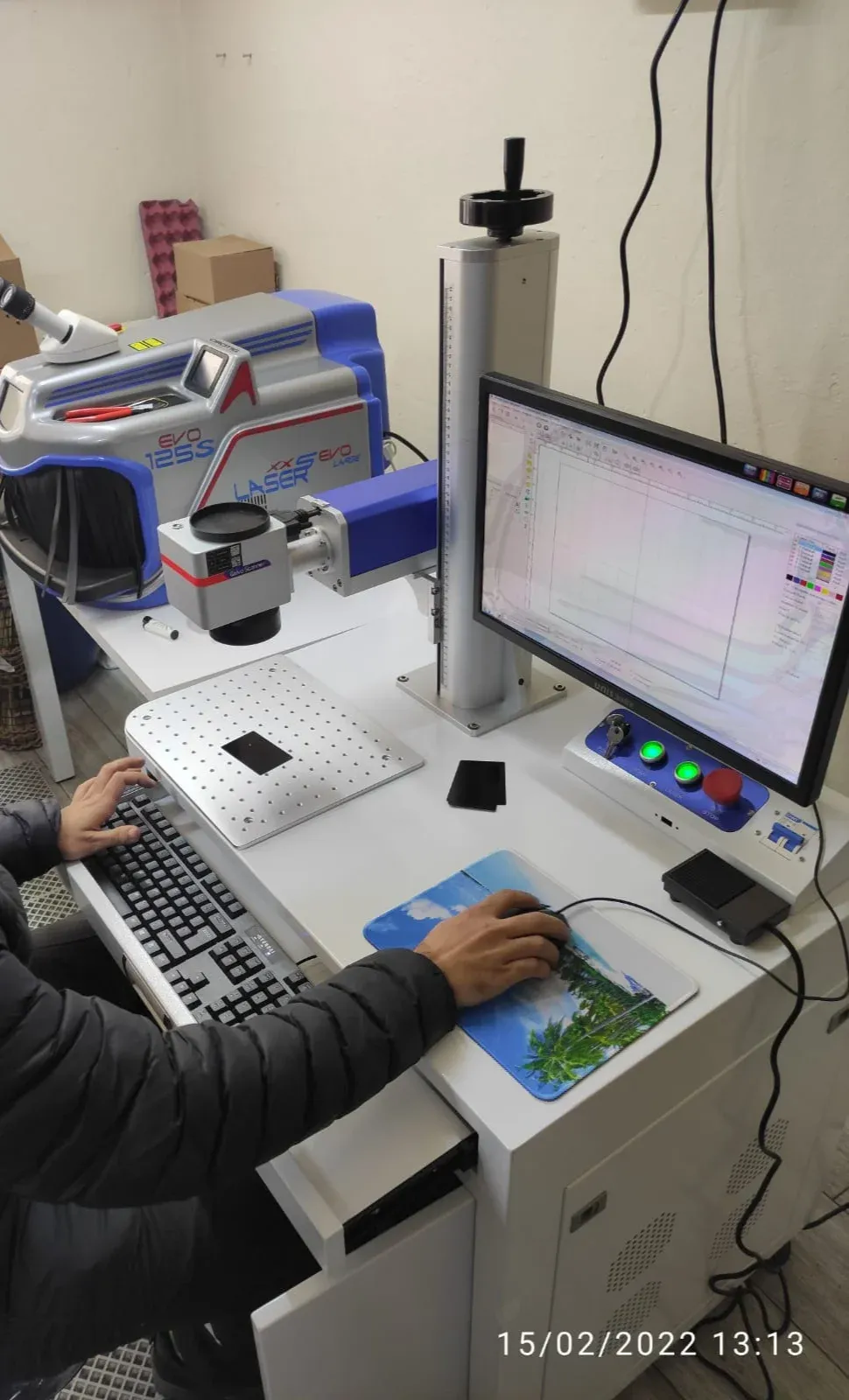
Leather Engraving Best Practices
// LightBurn Material Settings for Leather
Material: Vegetable Tanned Leather (2mm)
----------------------------------------
Engrave Layer:
 Speed: 400 mm/s
 Power Min: 8%
 Power Max: 12%
 Line Interval: 0.1mm
 Scan Angle: 0°

Cut Layer:
 Speed: 20 mm/s
 Power: 35%
 Air Assist: ON (low pressure)

// Test patch recommended before full job
Metal Marking Techniques
While CO2 lasers cannot cut metal, they can mark it using specialized sprays:
| Method | Materials | Durability | Cost |
|---|---|---|---|
| CerMark/Enduramark | Stainless, Titanium | Permanent, Dishwasher Safe | $$$ |
| Dry Moly Spray | Any Metal | Good (not food safe) | $ |
| Mustard/Vinegar | Bare Steel | Decorative Only | Cents |
Glass and Ceramics
Glass engraving creates a frosted appearance by micro-fracturing the surface:
Glass Engraving Tips
- Apply wet newspaper or paper towel to prevent chipping
- Use lower power with multiple passes for cleaner results
- Air assist should be OFF or very low
- Tempered glass may shatter - use annealed glass only
- Consider rotary attachment for curved surfaces
Safety Considerations
Essential Safety Equipment
Mandatory
- Fume extraction system
- Laser safety glasses (wavelength-matched)
- Fire extinguisher nearby
- Emergency stop accessible
Recommended
- Air assist compressor
- Exhaust filter for indoor use
- Fire suppression system
- CO2/smoke detector
Common Problems and Solutions
Uneven engraving depth
Clean mirrors and lens. Check bed leveling. Material may not be flat - use honeycomb bed or tape edges.
Excessive charring on wood
Increase speed, decrease power. Enable air assist. Use masking tape to protect surface.
Acrylic not cutting through
Reduce speed for thicker material. Check focus distance. Clean lens if cloudy.
Leather burning through
Reduce power significantly. Multiple light passes better than one heavy pass. Use air assist on low.
Material Selection Summary
Success in laser engraving depends on understanding how different materials interact with your specific laser type. Start with test cuts, document your settings, and always prioritize safety when working with new materials.
Quick Reference by Laser Type
Match your laser to appropriate materials:
- Diode (5-20W): Wood, leather, cardboard, paper, dark-colored acrylics
- CO2 (40-100W): Wood, acrylic, leather, glass, stone, fabric, rubber
- Fiber (20-50W): Metals (direct mark), anodized aluminum, plastics with marking
Frequently Asked Questions
Can I use a diode laser instead of a CO2 laser for cutting acrylic?
Diode lasers struggle with acrylic cutting because acrylic is largely transparent to the blue/violet wavelength diode lasers emit. While diode lasers can mark or very slowly cut very thin acrylic with high power, they melt the material rather than vaporizing it cleanly like CO2 lasers do. For quality acrylic cutting with flame-polished edges, CO2 lasers are strongly recommended. Diode lasers are better suited to wood, leather, paper, and painted/anodized materials that absorb their wavelength effectively.
How do I know if a material contains PVC and is unsafe to laser?
Check material labeling for recycling symbols: PVC is marked with number 3 inside the recycling triangle, sometimes with 'PVC' or 'V' underneath. Synthetic leather often contains PVC—look for 'PU leather' (polyurethane, safer) instead. Vinyl products including records, flooring, and shower curtains contain PVC. When in doubt, perform a small burn test outdoors: PVC produces acrid, chlorine-like smell and yellow-green flame. If uncertain about material composition, don't laser it—the risk to your health and equipment isn't worth it.
Why does my wood engraving have uneven darkness across the design?
Uneven engraving darkness typically results from: improper focus causing beam diameter variation across work area, warped or uneven material surface creating distance changes from lens, inconsistent wood grain or density (especially with oak or pine), dirty or damaged laser lens/mirror reducing power, or incorrect speed settings causing acceleration/deceleration effects. Solutions: ensure material is perfectly flat and level, verify focus across entire work area, clean optics regularly, use consistent wood species (maple, cherry, alder work best), and enable 'constant power mode' if your laser supports it to maintain power during acceleration.
What's the difference between engraving and cutting settings?
Engraving uses lower power and higher speed to mark material surface without penetrating completely, creating visual contrast through controlled burning, melting, or ablation. Typical engraving: 30-60% power at 400-800 mm/s. Cutting uses higher power and slower speed to fully penetrate material, vaporizing it completely through the thickness. Typical cutting: 70-100% power at 10-100 mm/s depending on material thickness. Additionally, engraving often uses raster scanning (back-and-forth) for filled areas, while cutting uses vector paths (following outline). Some materials engrave well but can't be cut (like metal with CO2 laser), while others cut easily but don't engrave with good contrast.
Do I really need external ventilation or will a filter be enough?
External ventilation (venting fumes outside) is strongly recommended and required by safety regulations in many jurisdictions. While quality filtration systems with HEPA and activated carbon filters can work in situations where external venting is impossible, they have limitations: filters require expensive regular replacement (every 100-500 hours depending on materials), some chemicals aren't fully captured by activated carbon, filter saturation reduces effectiveness over time, and filters don't address heat buildup inside laser. If you must use filtration, invest in high-quality commercial laser filtration system, replace filters on schedule, and still avoid toxic materials like PVC. External venting is safer, more reliable, and more economical long-term.