
When choosing a display for your embedded project, the price gap between Nextion HMI displays and generic LCD modules can seem daunting. A 7" Nextion costs €60-80, while a comparable TFT LCD module might be €15-20. Is the premium worth it? After building dozens of projects with both, here's the real comparison.
What Makes Nextion Different?
Nextion displays aren't just screens—they're complete embedded systems with their own processor, memory, and graphics engine. This architecture fundamentally changes how you build projects:
| Feature | Nextion HMI | Generic TFT LCD | Character LCD |
|---|---|---|---|
| Processor | Built-in ARM | None (host MCU) | None (host MCU) |
| Graphics Memory | 16-128MB Flash | Uses MCU RAM | N/A |
| Touch Processing | On-display | MCU software | Not available |
| GUI Development | Visual editor | Code from scratch | Text only |
| MCU Interface | Simple UART | SPI (fast) / Parallel | I2C / Parallel |
| MCU RAM Required | ~100 bytes | 32KB+ framebuffer | ~50 bytes |
| Price (7") | €60-80 | €15-25 | €5-10 |
The Reality of Generic LCD Development
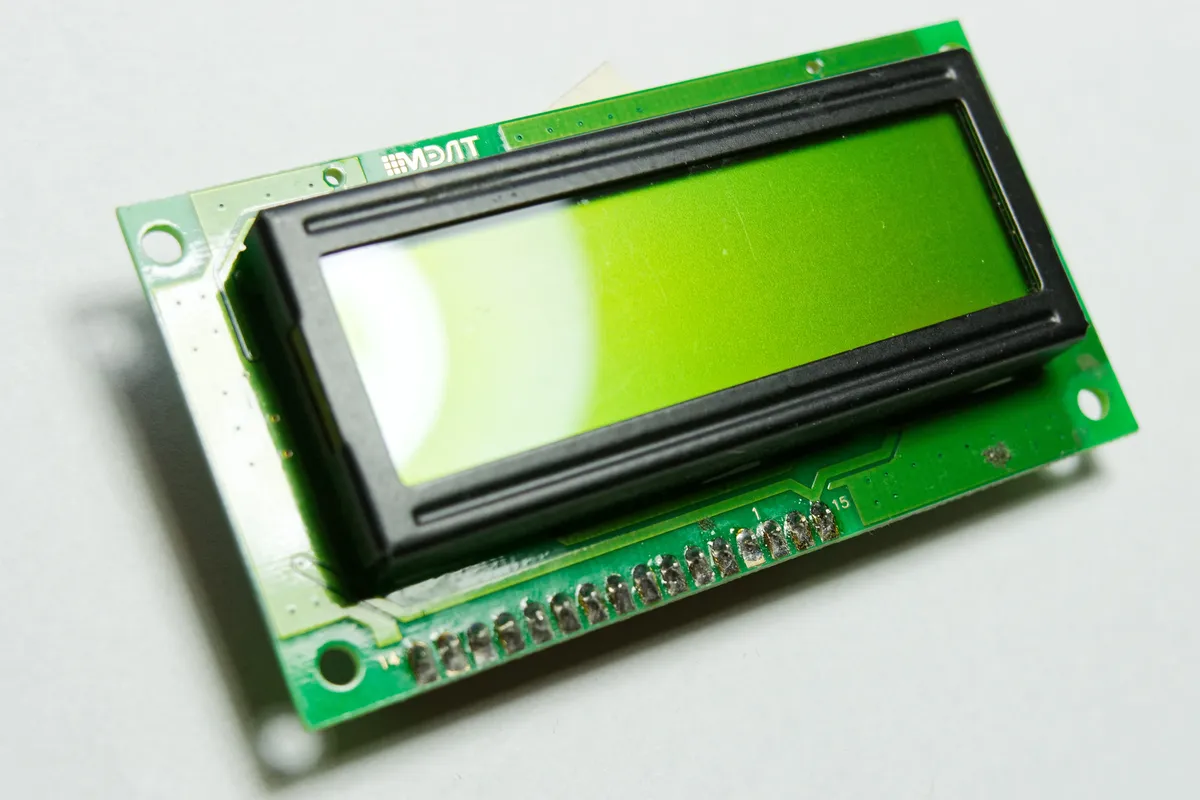
Generic TFT displays seem attractive until you start development. Here's what you'll actually need:
Generic LCD Requirements
- • MCU with 32KB+ RAM minimum
- • Fast SPI (40MHz+) or 16-bit parallel
- • Graphics library (LVGL, TFT_eSPI)
- • Touch calibration code
- • Font rendering engine
- • Image decoding (JPEG/PNG)
- • DMA configuration for smooth updates
Nextion Requirements
- • Any MCU with UART
- • 9600 baud serial connection
- • Simple command strings
- • That's it!
Development Time Comparison
Let's compare building a simple dashboard with temperature, buttons, and a graph:
| Task | Nextion | Generic TFT + LVGL |
|---|---|---|
| UI Layout | 30 min (drag & drop) | 4-8 hours (code) |
| Touch Handling | Built-in | 2-4 hours + calibration |
| Graph Widget | 5 min (component) | 4-6 hours |
| Animation | 10 min (editor) | 8+ hours |
| Total | ~1 hour | 18-26 hours |

Code Comparison
Displaying temperature on each platform:
// ===== NEXTION: 3 lines =====
void updateTemperature(float temp) {
 Serial.print("temp.txt="");
 Serial.print(temp, 1);
 Serial.print("°C"");
 Serial.write(0xFF);
 Serial.write(0xFF);
 Serial.write(0xFF);
}

// ===== GENERIC TFT + LVGL: 30+ lines =====
static lv_obj_t *temp_label;

void init_temperature_display() {
 temp_label = lv_label_create(lv_scr_act());
 lv_obj_set_style_text_font(temp_label, &lv_font_montserrat_28, 0);
 lv_obj_set_style_text_color(temp_label, lv_color_hex(0x333333), 0);
 lv_obj_align(temp_label, LV_ALIGN_CENTER, 0, -50);
}

void updateTemperature(float temp) {
 char buf[32];
 snprintf(buf, sizeof(buf), "%.1f°C", temp);
 lv_label_set_text(temp_label, buf);
 lv_refr_now(NULL); // Force immediate refresh
}
When Generic LCD Makes Sense
Choose generic TFT when: you need custom pixel-level control, building high-volume products (cost matters), learning embedded graphics programming, or your MCU already has the RAM/processing power.
The Verdict
Choose Nextion When:
- Time-to-market matters
- Using simple 8-bit MCUs
- Building one-off or low-volume projects
- Non-programmers designing UI
- Industrial/professional applications
Choose Generic TFT When:
- Building 100+ units (BOM cost)
- Need pixel-perfect control
- Already using powerful MCU (ESP32-S3)
- Learning graphics programming
- Custom display requirements
Conclusion
The €40-60 premium for Nextion displays often pays for itself in saved development hours. At typical engineering rates, you'd recoup the cost difference in under 2 hours of saved development time. For hobbyists valuing their free time, the equation is similar.
Ready to choose? Browse our selection of Nextion displays and generic TFT modules at Robotics3D.
Frequently Asked Questions
Can I achieve the same results with a generic LCD as with Nextion?
Technically yes, but it requires significantly more development time, more powerful hardware, and deeper programming expertise. While the end result might look similar, the development process and resource requirements are vastly different. Nextion achieves professional results faster and with less complexity.
Are generic LCD libraries like TFT_eSPI as good as Nextion's built-in system?
Modern libraries like TFT_eSPI are excellent and very optimized, but they still require your microcontroller to handle all graphics processing. You write code to draw every element, manage memory carefully, and optimize for performance. Nextion removes this burden entirely by handling graphics internally, letting your microcontroller focus on application logic.
Can I update the Nextion interface without reprogramming my microcontroller?
Yes, this is one of Nextion's major advantages. You can update the entire interface (layout, colors, images, button positions) by simply uploading a new TFT file to the display via SD card. Your microcontroller firmware remains unchanged as long as component names stay consistent. This is impossible with generic LCD displays.
Which is better for battery-powered projects, Nextion or generic LCD?
This depends on your usage pattern. Generic LCDs have lower idle power consumption, but Nextion displays are more efficient when actively updating since your main microcontroller can sleep while Nextion handles the display. For applications with frequent screen updates, Nextion's efficiency can actually extend battery life. For always-on static displays, generic LCD might consume less power.
Can I use Nextion with any microcontroller?
Yes, Nextion uses simple serial UART communication at standard baud rates (9600-115200), which virtually every microcontroller supports. Arduino, ESP8266, ESP32, STM32, Raspberry Pi, PIC, and any other platform with a serial port can communicate with Nextion displays without special hardware or complex drivers.