
Introduction
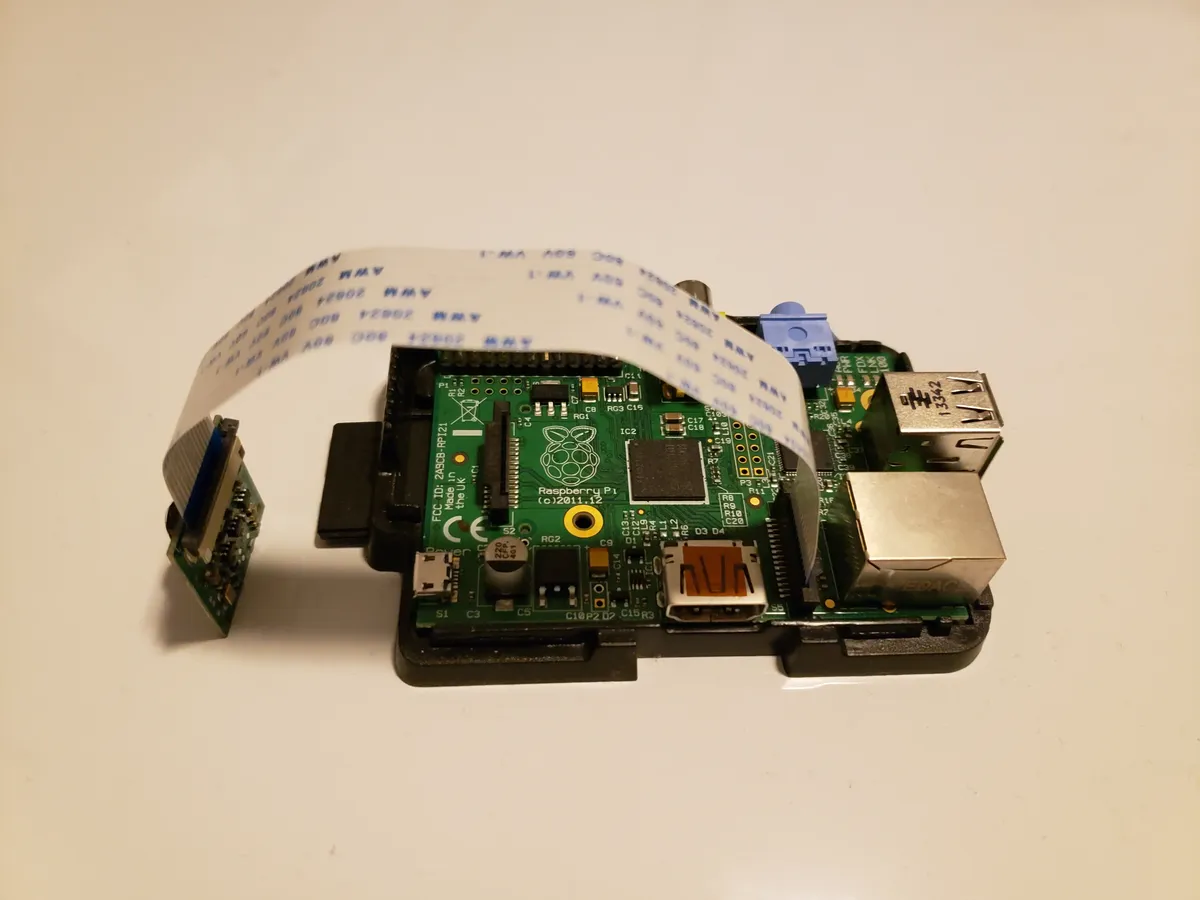
Choosing between Arducam cameras and the official Raspberry Pi Camera can be confusing. Both work with the Pi's CSI connector, both produce great images, but they serve different purposes.
Quick Answer
Official Pi Camera: Best for beginners, guaranteed compatibility, official support.
Arducam: Best for advanced users needing interchangeable lenses, higher resolution, or multi-camera setups.
Full Comparison Table
| Feature | Pi Camera v2 | Pi Camera v3 | Arducam IMX477 | Arducam 64MP |
|---|---|---|---|---|
| Resolution | 8 MP | 12 MP | 12.3 MP | 64 MP |
| Sensor | Sony IMX219 | Sony IMX708 | Sony IMX477 | OV64A40 |
| Autofocus | Fixed | Phase detect | Manual lens | Motorized |
| Lens | Fixed | Fixed | C/CS mount | M12 mount |
| HDR | ||||
| Video | 1080p60 | 1080p50 HDR | 4K30 | 4K30 |
| Price | ~€25 | ~€35 | ~€50 + lens | ~€45 |
Official Raspberry Pi Camera

Pros
- Guaranteed compatibility - tested by Raspberry Pi Foundation
- Official support - documentation and community help
- Easy setup - works out of the box with libcamera
- Compact size - fits in small enclosures
- Autofocus (v3) - phase detection, great for video
Cons
- Fixed lens - can't swap for wide angle or telephoto
- Limited low-light performance (v2)
- No interchangeable lens option
Best For
Beginners, general-purpose video/photo, projects where simplicity matters.
Arducam Cameras
Pros
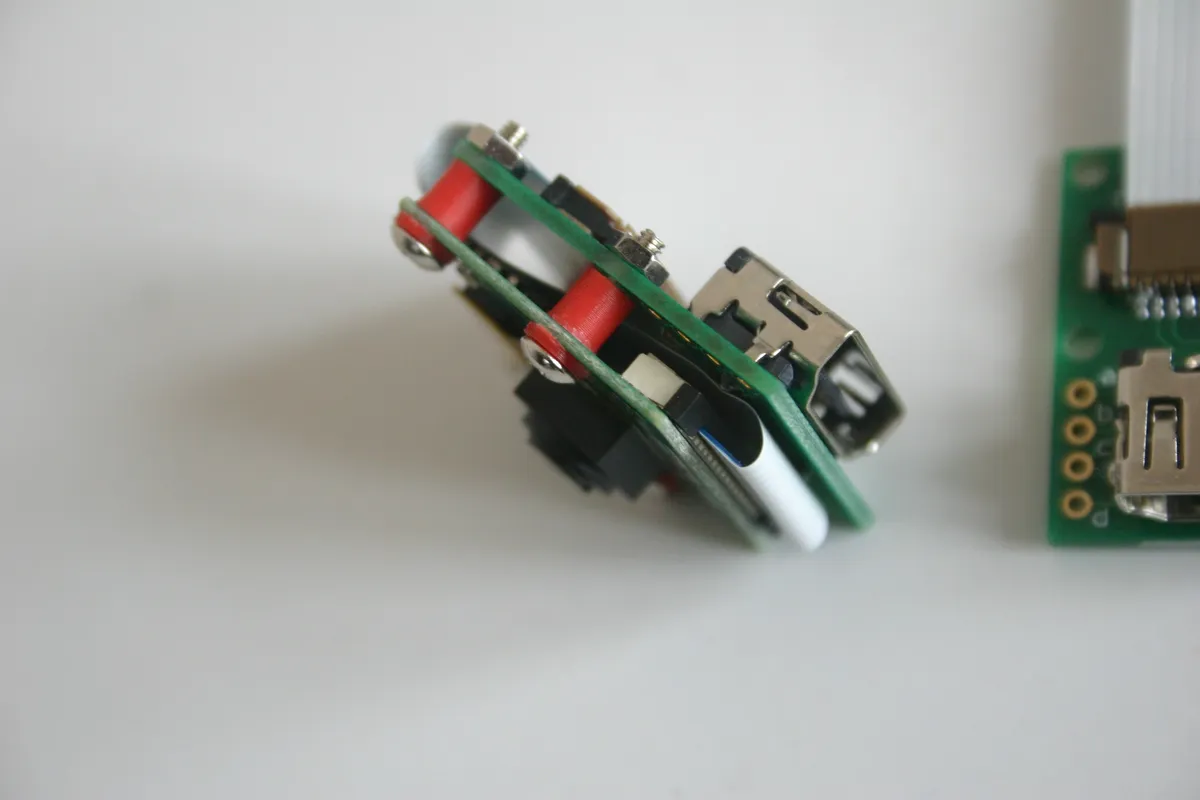
- Interchangeable lenses - wide angle, telephoto, macro
- Higher resolutions - up to 64MP available
- Multi-camera support - connect 4 cameras to one Pi
- Professional features - global shutter, larger sensors
- More sensor choices - IMX477, IMX519, OV64A40
Cons
- Lens purchased separately (on some models)
- Requires more technical knowledge
- Larger physical size with lens attached
- May require driver installation for some models
Best For
Machine vision, industrial inspection, multi-camera setups, photography enthusiasts.
Night Vision Options
Both Raspberry Pi and Arducam offer NoIR variants (No Infrared filter) for night vision applications:
Pi NoIR Camera
- Same specs as standard Pi Camera
- IR filter removed
- Use with IR LED illuminators
- Good for wildlife/security
Arducam NoIR Options
- Multiple resolutions available
- Some include IR LEDs on-board
- Wider sensor selection
- Better for industrial night vision
Which Camera for Your Project?
| Project Type | Recommended Camera | Why |
|---|---|---|
| Learning / First project | Pi Camera v2 or v3 | Easiest setup, best documentation |
| Video streaming | Pi Camera v3 | Autofocus, HDR, optimized for video |
| Security camera | Pi NoIR or Arducam NoIR | Night vision capability |
| Machine vision | Arducam IMX477 | Interchangeable lenses, global shutter option |
| High-res photography | Arducam 64MP | Maximum resolution, autofocus |
| Multi-camera system | Arducam Multi-Adapter | Only option for 2-4 cameras on one Pi |
| Microscopy | Arducam with C-mount | Accepts microscope adapters |
The Verdict
Choose Pi Camera If...
- You're new to Pi cameras
- You want plug-and-play simplicity
- Budget is a primary concern
- You need compact size
- Official support matters to you
Choose Arducam If...
- You need interchangeable lenses
- Maximum resolution is important
- You're building a multi-camera system
- Industrial/professional use case
- You want global shutter option
Shop Cameras
Browse our Arducam collection for professional camera modules.
For setup guides, see our Arducam Raspberry Pi Guide and Pi Camera Projects.
Frequently Asked Questions
Can I use Arducam cameras with the same software as Raspberry Pi cameras?
Yes, after installing Arducam's Pivariety drivers, most Arducam cameras work with the same software as official Pi cameras, including Picamera2, libcamera, and OpenCV. You'll need to install drivers and configure device tree overlays initially, but once set up, the software interface is similar. Some specialized Arducam features may require specific APIs.
Which camera is better for object detection and machine learning?
Both work well for ML applications. Choose based on other requirements: if you need global shutter for moving cameras (robotics), choose Arducam global shutter. If you need maximum resolution for detecting small objects, choose Arducam 64MP. For learning ML without complications, start with Pi Camera Module 3. Both support TensorFlow, PyTorch, and other ML frameworks equally well.
Why would I need a global shutter camera instead of a standard rolling shutter?
Global shutter cameras capture the entire frame simultaneously, while rolling shutters scan line-by-line. This matters when your camera or subject is moving fast - rolling shutters produce motion blur and distortion (the 'jello effect'). Global shutters are essential for robotics, fast-moving vehicles, sports capture, or any application where the camera moves while recording. For static camera applications, rolling shutter is fine.
Are M12 lenses compatible with Raspberry Pi HQ Camera?
No, M12 lenses and C-mount lenses are different standards. Arducam cameras use M12 mounts (small, affordable lenses), while the Pi HQ Camera uses C/CS-mount (larger, professional lenses). You cannot directly use M12 lenses on HQ Camera or vice versa without adapters, which typically compromise image quality. Choose your camera based on which lens ecosystem fits your needs and budget.
How many cameras can I connect to one Raspberry Pi?
Standard Pi cameras: Maximum 2 cameras using the dual CSI ports on compute modules, or 1 on standard Pi boards. With Arducam multiplexer boards: Up to 4 cameras on a single CSI port (some multiplexers support more). The multiplexer switches between cameras rapidly, so you can't capture from all simultaneously, but you can get images from each in sequence. For true simultaneous capture, use USB cameras (limited by USB bandwidth).