
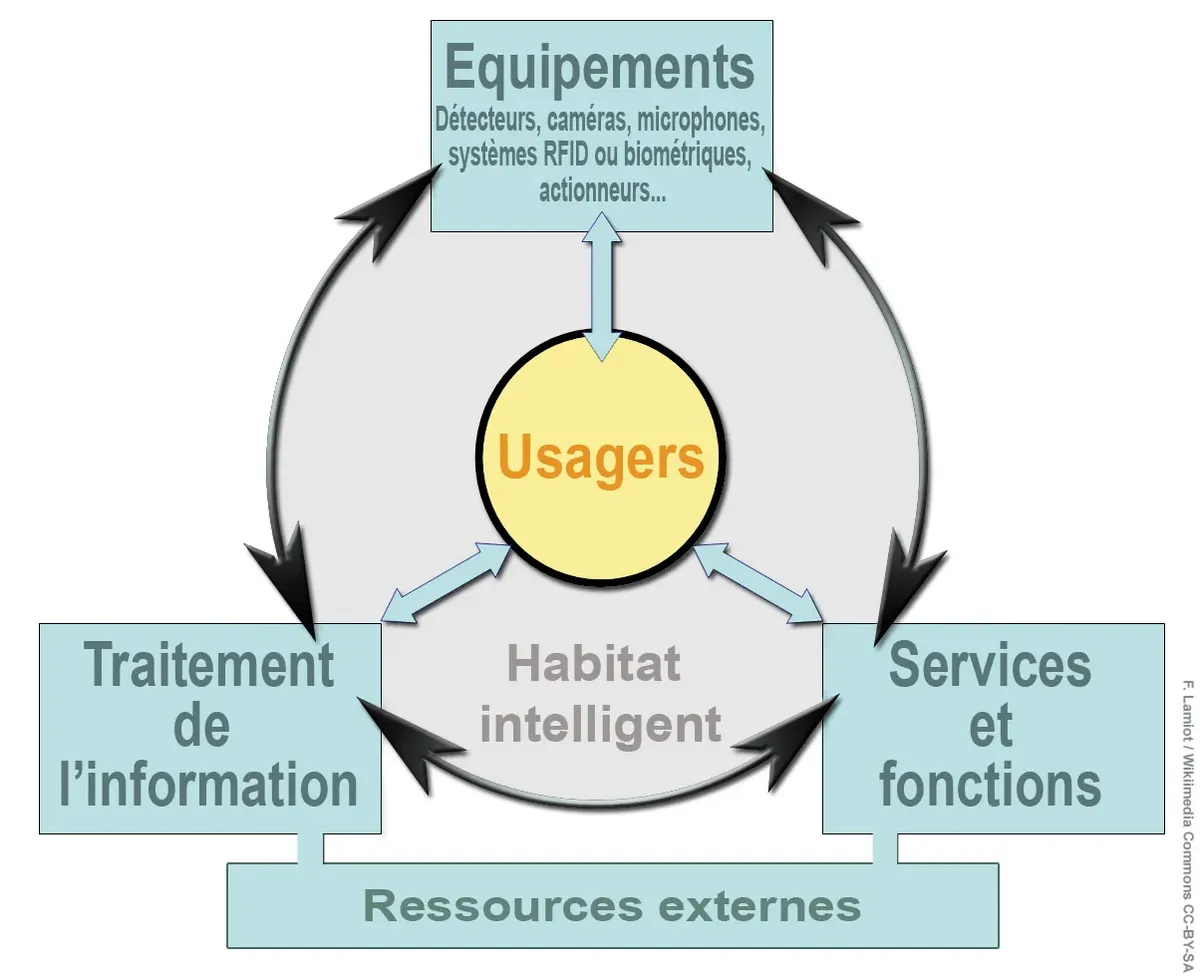
Why Arduino for Home Automation?
Arduino makes home automation affordable and customizable. Build your own smart home system for a fraction of commercial solutions, with full control over every aspect.
Arduino Home Automation Benefits
- Cost: Build complete systems for under €50
- Customization: Design exactly what you need
- Privacy: No cloud, no data sharing
- Learning: Great educational project
- Integration: Works with any device
Essential Components
| Component | Purpose | Est. Cost |
|---|---|---|
| Arduino Uno/Mega | Main controller | €10-20 |
| ESP8266/ESP32 | WiFi connectivity | €3-8 |
| Relay Module | Control AC appliances | €3-10 |
| PIR Sensor | Motion detection | €1-3 |
| DHT22 | Temperature & humidity | €3-5 |
| 433MHz RF Module | Wireless communication | €2-4 |
Relay Control
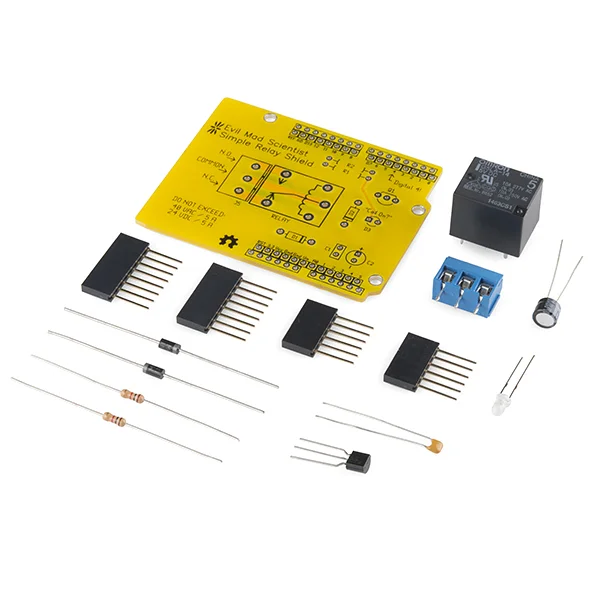
Relays act as electrically-controlled switches, allowing Arduino (5V logic) to control high-voltage AC devices like lights, fans, and appliances.
Safety Warning
Mains voltage (230V) is DANGEROUS. If you're not experienced with electrical work, have a qualified electrician make AC connections.
// Simple relay control
const int RELAY_PIN = 7;

void setup() {
 pinMode(RELAY_PIN, OUTPUT);
 digitalWrite(RELAY_PIN, HIGH); // Relay OFF (active-low)
}

void lightOn() {
 digitalWrite(RELAY_PIN, LOW); // Relay ON
}

void lightOff() {
 digitalWrite(RELAY_PIN, HIGH); // Relay OFF
}
Motion Detection
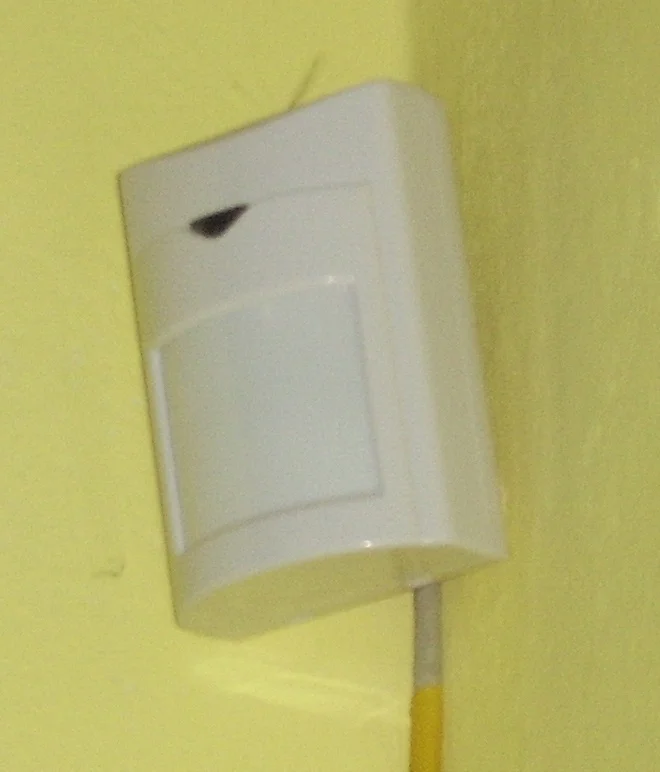
PIR (Passive Infrared) sensors detect heat from moving objects. Perfect for automatic lights, security, and presence detection.
const int PIR_PIN = 2;
const int LED_PIN = 13;

void setup() {
 pinMode(PIR_PIN, INPUT);
 pinMode(LED_PIN, OUTPUT);
 delay(30000); // Allow PIR to stabilize
}

void loop() {
 if (digitalRead(PIR_PIN) == HIGH) {
 digitalWrite(LED_PIN, HIGH);
 delay(5000); // Keep light on 5 sec
 } else {
 digitalWrite(LED_PIN, LOW);
 }
}
WiFi Control with ESP8266
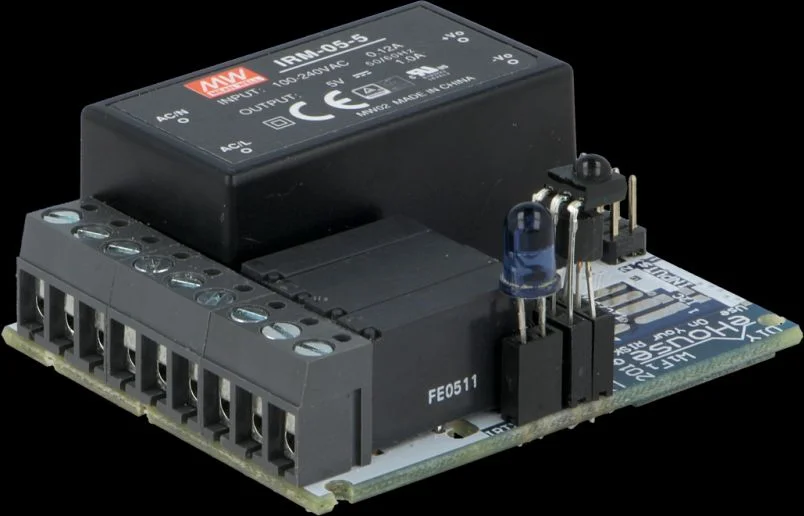
The ESP8266 (or ESP32) adds WiFi to your Arduino projects. Control devices from your phone or integrate with Home Assistant.
ESP8266 Options
- NodeMCU: Built-in USB, breadboard friendly
- Wemos D1 Mini: Compact, stackable shields
- ESP-01: Cheapest, AT commands via UART
- ESP32: More GPIO, Bluetooth, dual-core
Project Ideas
Smart Lighting
Motion-activated lights, dimming, scheduling
Climate Control
Thermostat, fan automation, HVAC control
Door/Window Sensors
Security alerts, presence detection
Voice Control
Integration with Alexa/Google Home
Garden Automation
Automatic watering, soil monitoring
Smart Lock
RFID, keypad, or Bluetooth access
Communication Protocols
| Protocol | Range | Best For |
|---|---|---|
| WiFi | 50m indoor | Smartphone control, web interfaces |
| 433MHz RF | 100m+ | Simple remote sensors, cheap |
| Bluetooth | 10-30m | Proximity, wearables |
| nRF24L01 | 100m+ | Multi-node sensor networks |
| LoRa | 15km+ | Long range, low power IoT |
Get Started
Browse our Arduino products and sensors to build your smart home.
Need IoT connectivity? See our LoRaWAN Guide and Dragino products.
Frequently Asked Questions
Is Arduino home automation safe to use with mains voltage (110-240V)?
Arduino-based automation can be safe if properly implemented following electrical codes and safety practices. Never connect Arduino directly to mains voltage - always use optocoupler-isolated relays rated for your load. All mains voltage connections must be in proper electrical boxes. If you lack electrical experience, consult a licensed electrician for projects involving mains power. Low-voltage projects (lights, sensors, motors under 12V) are much safer for beginners.
Can Arduino home automation work without internet or cloud services?
Yes, Arduino automation works perfectly offline. Basic projects (motion lighting, thermostats, security systems) operate independently without internet. You only need internet for: remote smartphone control when away from home, voice control via Alexa/Google Home, cloud data logging, or weather integration. Many users prefer offline systems for privacy and reliability - they continue working during internet outages.
How much does it cost to build Arduino home automation compared to commercial systems?
Arduino automation is significantly cheaper. A motion-activated light costs 15-25 EUR in parts vs 50-100 EUR for commercial solutions. A complete smart home system (lighting, thermostat, security) costs 200-400 EUR in Arduino parts vs 1000-3000 EUR for Nest, Ring, Philips Hue combined. Plus Arduino has zero monthly fees, while commercial systems often charge 10-30 EUR/month for advanced features. Initial time investment is higher, but savings are substantial.
Can I integrate Arduino home automation with Alexa or Google Home?
Yes, integration is possible through several methods: 1) Use ESP8266/ESP32 with Sinric Pro or Blynk services (free or low-cost cloud bridges), 2) Run Home Assistant on Raspberry Pi to expose Arduino devices to Alexa/Google Home, 3) Use IFTTT webhooks to trigger Arduino actions from voice commands. The easiest approach is ESP8266 with Sinric Pro - devices appear in Alexa/Google Home app as native smart home devices, controllable by voice.
What happens to Arduino home automation during power outages?
Without battery backup, Arduino automation stops during power outages just like commercial systems. Critical systems (security, locks) should include UPS (Uninterruptible Power Supply) or battery backup. A 5V 2A Arduino system can run 8-12 hours on a 10,000 mAh power bank. For whole-home backup, use a UPS rated for your total automation load. Low-power systems using ESP8266 in deep sleep mode can run weeks on batteries. Design systems to fail safe - locks default unlocked, alarms on battery backup.